Publish your online store
With your menu built, it's time to put your store online. There are three steps: add your address, set up the store, and publish. By the end, you'll have your own website to share with your customers.
1. Add your address
Go to Locations in the panel and add your establishment's address.
This address is shown to customers in your online store and is the foundation for features like delivery and reservations, depending on your plan. If you have more than one unit, each one becomes its own location.
2. Set up the store
Go to Store → Stores and create your store. This is where you define what customers see:
| Setting | What to define |
|---|---|
| Menus | Which menus appear in the store. |
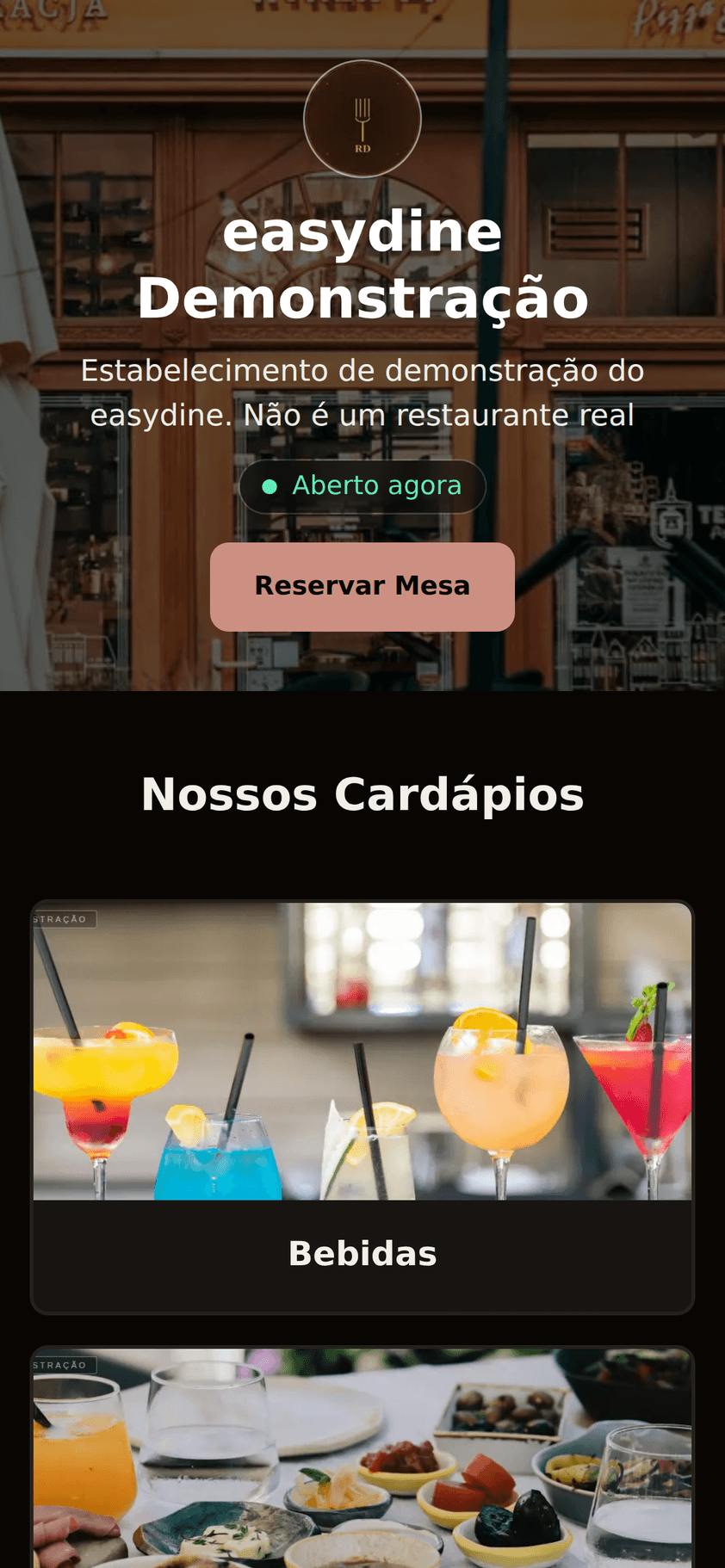
| Opening hours | The hours for each day. The site shows an "Open now" notice while you're serving. |
| Contact info | Phone number with a WhatsApp button, email, and the link to your Google Maps profile. |
| Social media | Instagram, TikTok, and others. They become clickable icons on the page. |
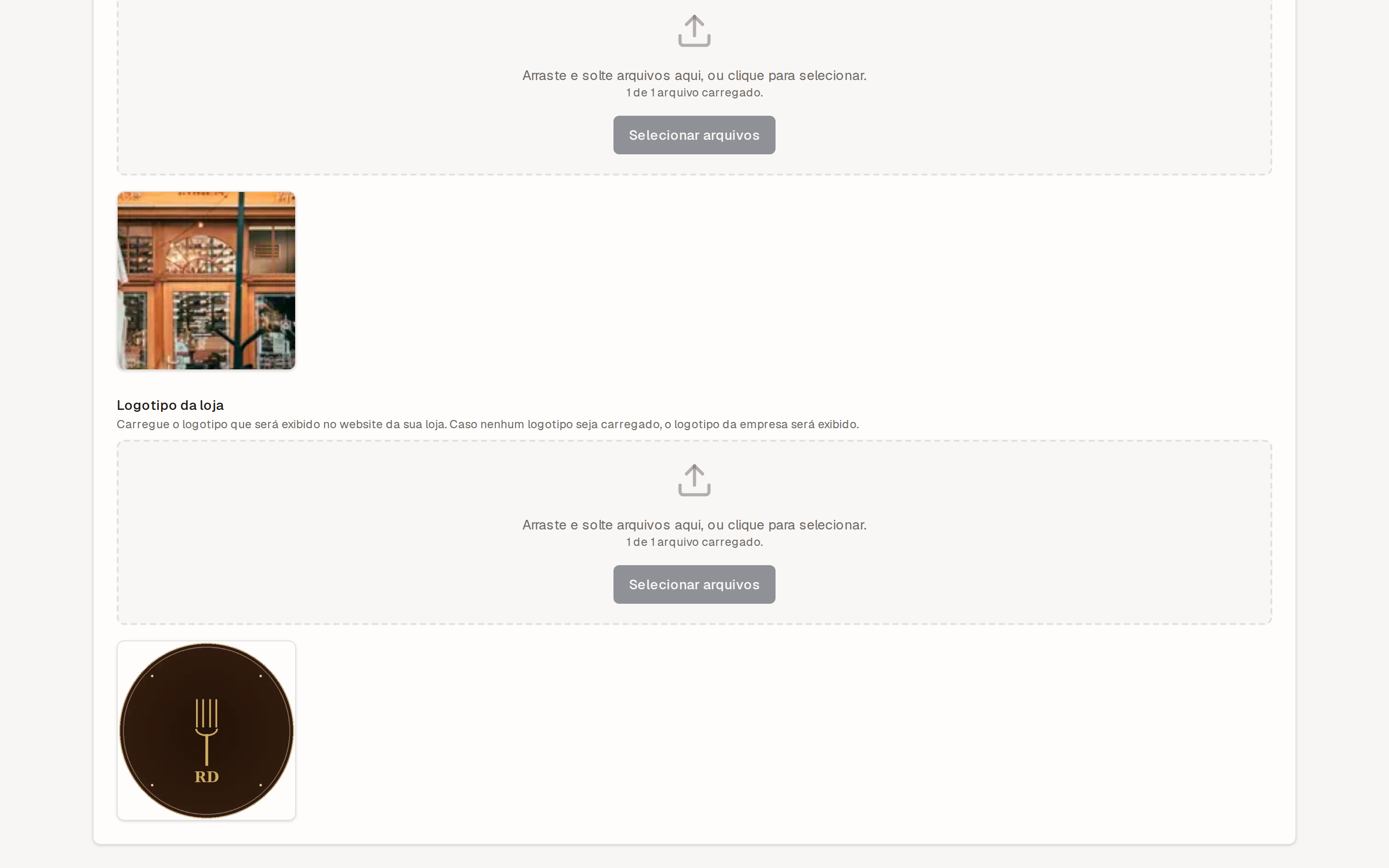
| Appearance | Logo, banner, brand color, and a light or dark theme. |
Use a crisp logo and a banner with a real photo of your space or your dishes. That alone makes your store look professional from the very first visit.
3. Publish
Everything looking good? Click Publish. Your site goes live instantly.
Your store link is shown under Store → Stores. Copy it and spread the word: put it in your Instagram bio, in your WhatsApp auto-reply, and on your Google Maps profile.
Once published, any change reaches your store within a few minutes. If you update a price or your hours, there's no need to publish again.
Next steps
With your store live, you can go further, depending on your plan:
- Take online reservations: customers book a table right on your site. Available on the Profissional and Completo plans. See Online reservations or try the flow in the reservations demo.
- Take orders: dine-in ordering via QR code and delivery with online payment, on the Completo plan. See QR code ordering.
Not sure which plan includes what? Check Plans and limits.