Create your account and choose a plan
Creating your easydine account takes just a few minutes and requires nothing technical. On this page you'll see how to create your account, choose the right plan for your business, and make the most of the 30-day free trial.
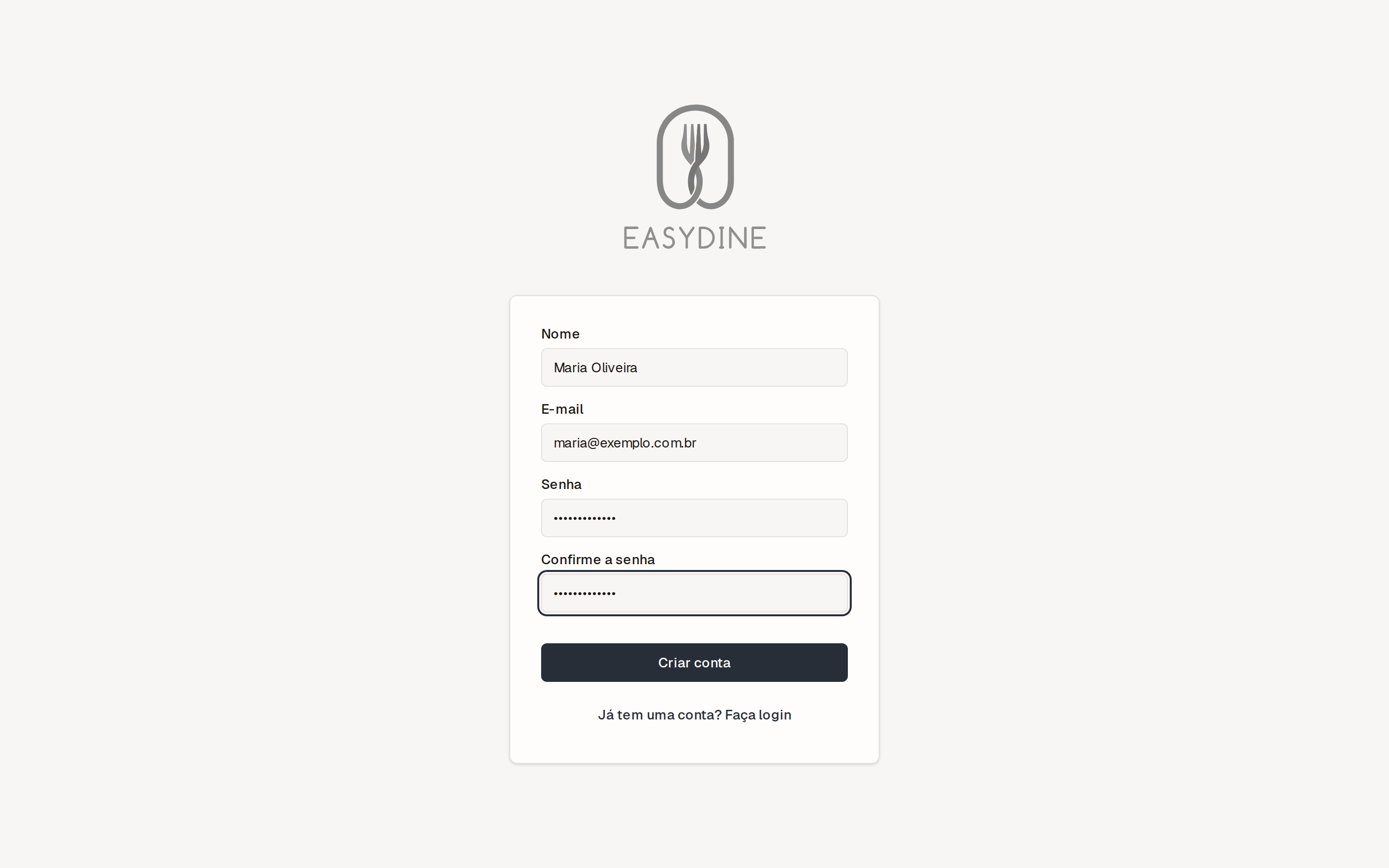
Create your account
- Go to the sign-up page.
- Enter your name, email, and a password.
- Fill in your business name and your CNPJ or CPF (Brazilian company registration number or individual taxpayer number).
- That's it. You land straight in the admin panel.
easydine works for any food business: restaurants, bars, snack bars, pizzerias, burger joints, and dark kitchens. If you don't have a CNPJ yet, you can start with your CPF.
Choose a plan
A quick summary to help you decide:
| Plan | Price | What you get |
|---|---|---|
| Essencial | R$89/month | 1 online store. Great for getting started. |
| Profissional | R$179/month | 2 stores included, with online reservations and reports. |
| Completo | R$299/month | 3 stores included, plus the full ordering module (QR code at the table, delivery, kitchen display, printing, and delivery drivers). |
The number of stores is each plan's starting point, not a ceiling. Need more stores or locations? Talk to us on WhatsApp or at suporte@easydine.app and we'll put together a custom offer.
On the annual plan, you pay 10 times the monthly price. That works out to exactly 2 months free. See the full comparison at Plans and limits.
How the 30-day free trial works
- You get every easydine feature for 30 days.
- No subscription charges until the trial ends.
- Cancel anytime, on your own, under Organization → Subscription in the panel. There's no lock-in and no penalty.
If you receive delivery orders paid online during the trial, the 10% fee on online-paid orders applies as usual. It's automatic, charged once per sale, and already includes card processing. Dine-in orders (QR code) and reservations carry no fee at all. Learn more in Payments.
Need help migrating or setting up?
Whether you already use another system or you're starting from scratch, our team can help in three ways. You choose:
- We do it for you: we send everything ready to go, and you just review it.
- We do it together: an online session, setting things up side by side.
- Assisted: you work at your own pace, with our support over WhatsApp or email.
Reach us on WhatsApp or by email at suporte@easydine.app. We're available every day from 9 a.m. to midnight (São Paulo time). Non-urgent requests are answered within 2 days.
Next step
With your account created, it's time to get your products online: build your first menu.