Your online store
Your online store is your business's own website, with your look: your logo, colors, and photos. It's where customers browse your menu, check whether you're open, find your contact info, and figure out how to get to you. Everything comes ready, no need to hire someone to build a website.
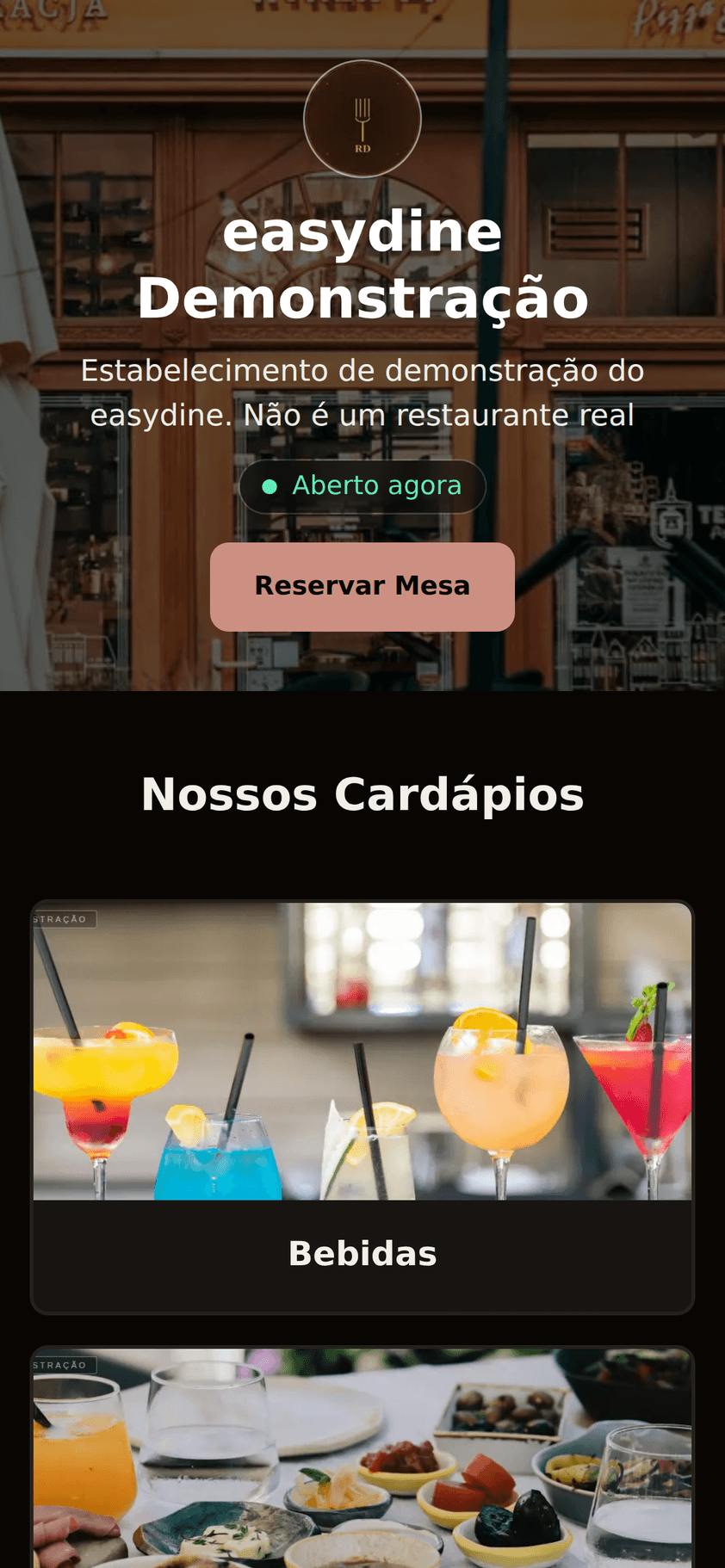
Want to see a live store? Open the demo store and browse the menu.
What you can customize
| Option | What it does |
|---|---|
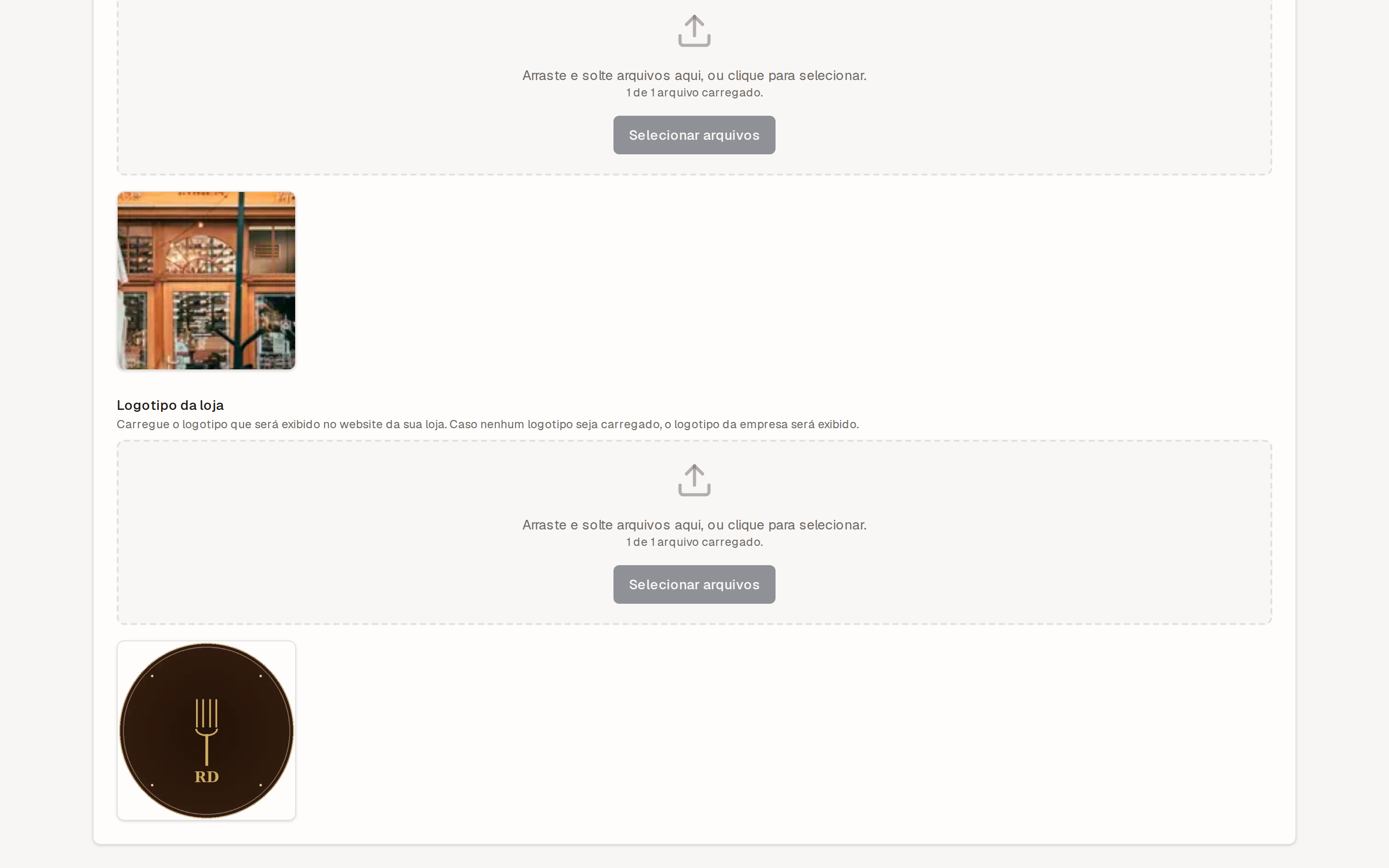
| Logo | Identifies your brand at the top of the store |
| Banner | Featured image at the top of the page |
| Brand color | The whole store follows the color you pick |
| Light and dark themes | The store matches the customer's device theme and looks great in both |
| Business hours | Show "Open now" while you're serving and, outside those hours, when you open next |
| Contact info | Phone, WhatsApp, and email in plain sight; customers message you directly on WhatsApp |
| Social media | Links to Instagram, Facebook, TikTok, and other profiles |
| Google Maps address | Customers get directions straight to your door |
With your hours in place, nobody needs to call to find out whether there's still time to order. If the store is closed but opens later the same day, the badge reads Opens today at 18:00 instead of repeating the weekday — the next day it reads Opens tomorrow, and further out it names the day.
Customers find you on Google
The store is built to rank well in search engines. When someone searches for your business name, they find your page, with an up-to-date menu, hours, and contact info, instead of outdated information scattered around the internet. Everything is available in both Portuguese and English, which helps in areas that welcome tourists.
Where to set it up
Go to Store → Stores in the panel. If your business has more than one store, each one has its own configuration: independent logo, hours, contact info, and social media. How many online stores are included depends on your plan. See the details in plans and pricing.
The guide Publish your store takes you from setup to a published store, step by step.
Measurement, ads and the cookie notice
Every online store measures visits and orders, which is why your customer sees a cookie notice when they arrive. They can accept, refuse — both buttons carry the same weight — or choose item by item, and they can change their mind later under Cookie preferences, in the store footer.
Using your own Meta Pixel
On the Completo plan, in Store → Stores, in the Measurement and ads card, you enter the Meta Pixel ID — the number only, 15 or 16 digits, which you find in Meta Events Manager. From then on that store's visits and orders count in your ad account, and the cookie notice starts naming your business.
With no pixel of your own, easydine is what measures the storefront, and the notice says so. The card on the settings screen also tells you which of the two is in force right now.
Using Google Analytics and Google Ads
Also on the Completo plan, the same Measurement and ads card takes — once
easydine has completed the platform registration with Google that unlocks
these fields — the GA4 measurement ID (it starts with G-) and, for Google
Ads, the conversion ID (it starts with AW-) together with the purchase
conversion label. Those two Google Ads fields go together: the dashboard does
not save one without the other. The begin-checkout and WhatsApp-contact labels
are optional, for whoever created those conversion actions in Google Ads.
Once the identifiers are saved, that store's visits, opened dishes, cart and completed orders show up in your Google Analytics property, and every completed order counts as a conversion in your Google Ads account — once only, even if the customer reloads the confirmation page. Nothing you type in those fields runs on the store: easydine uses the identifiers only to tell Google which account to count in.
There is no easydine fallback account on Google. Without your identifiers, nothing is sent to Google. As soon as the fields are saved, the cookie notice starts naming Google alongside your business, and anyone who had accepted only Meta is asked again. The notice names only what the store uses — Google Analytics, Google Ads or both — so anyone who accepted while the store had only one of them is asked again when it adds the other, and is still measured in the one they had accepted.
Where to find the identifiers, and what to set in your Google accounts
- GA4 measurement ID: in Google Analytics, under Admin → Data streams,
open your store's Web stream. The ID is on the first line of the stream
details and starts with
G-. - Google Ads conversion ID and labels: in Google Ads, under Goals →
Conversions → Summary, open the conversion action and go to the Tag
setup section. The conversion ID is the same for every action in the
account, and each action has its own label. The dashboard only accepts the ID
with the
AW-prefix. - Primary and secondary actions: keep the purchase conversion as a primary action and the begin-checkout and WhatsApp-contact ones as secondary. Google Ads bids on primary actions; secondary ones are for observation only. If you also import the purchase event from Google Analytics, keep that import secondary, which is how it arrives. Otherwise the same order is counted twice for bidding.
- Auto-tagging: keep it on, in Google Ads under Admin → Account settings. It is what identifies which ad each click came from. New accounts have it on by default.
- Automatic detection of user-provided data: do not turn it on, neither in Google Ads enhanced conversions nor in the Google tag settings. It searches the page for data such as email addresses and phone numbers, and easydine sends none of your customers' personal data to Google, as the table below says.
What is sent, and what never is
Each row is something that happens on your store, and each column is who receives it. A dash (—) means that destination receives nothing at that moment: easydine does not invent an event Meta does not have.
| On the store | Meta | Google Analytics | Google Ads |
|---|---|---|---|
| Every request | page address and previous page address; screen size; IP address, browser and language; browser identifier and ad click identifier | page address and previous page address; page title; screen size; IP address, browser and language; browser identifier and ad click identifier | page address and previous page address; page title; screen size; IP address, browser and language; browser identifier and ad click identifier |
| Page visited | sent | sent | sent |
| Dish opened | identifier of each item; value: dish price | identifier, name, price, discount and quantity of each item; value: dish price | — |
| Item added to cart | identifier of each item; value: price times quantity | identifier, name, price, discount and quantity of each item; value: price times quantity | — |
| Item removed from cart | — | identifier, name, price, discount and quantity of each item; value: price times quantity | — |
| Cart opened | — | identifier, name, price, discount and quantity of each item; value: cart total | — |
| Checkout start | identifier of each item; value: cart total; total item count | identifier, name, price, discount and quantity of each item; value: cart total | value: cart total; only if you set up the conversion |
| Completed order | identifier of each item; value: items after discounts, without the delivery fee; total item count; internal order identifier | identifier, name, price, discount and quantity of each item; value: items after discounts, without the delivery fee; delivery fee; coupon code used; internal order identifier | value: items after discounts, without the delivery fee; internal order identifier |
| WhatsApp button click | sent | sent | only if you set up the conversion |
| Events the Google tag always sends | — | first visit and session start; time with the page in focus | — |
| Interactions the Google tag records on its own | — | scroll to the end of the page; address and attributes of a link to another site; identifier, name, destination and button text of a form used, never what was typed; search term already in the page address; only if enhanced measurement is on | — |
The first row applies to every request each destination receives, on top of what the row for that moment says. The last two rows are what the Google tag sends by itself, without easydine asking: the visit, session and time-in-focus events, always, and the interactions in the last row, when enhanced measurement is on in your Google Analytics property's data stream. An item's discount is sent only when the item is on promotion, and the coupon code only when the order used one. The internal order identifier is not the number shown in the panel: it keeps the same order from being counted twice, even if the customer reloads the confirmation page.
Never sent: the customer's name, email, phone and address, their CPF or CNPJ, card details, or any data from the customer's account.
No tag is loaded on the checkout, payment, account and sign-in screens: only on the storefront, the menu and the order confirmation page. Anyone who refuses the notice generates no events at all — neither for you nor for easydine.
Stores hosted on easydine.app share the same internet address, so Meta can
recognize the same browser across different stores. Each store still receives
only its own events: one store never sees another's traffic. In Google
Analytics, each business gets its own separate cookies, even on the shared
address.
Where to go next
- Build what your customers will see: the digital menu.
- Take delivery orders with delivery.
- Accept online reservations right from your store.